Choice is the product.
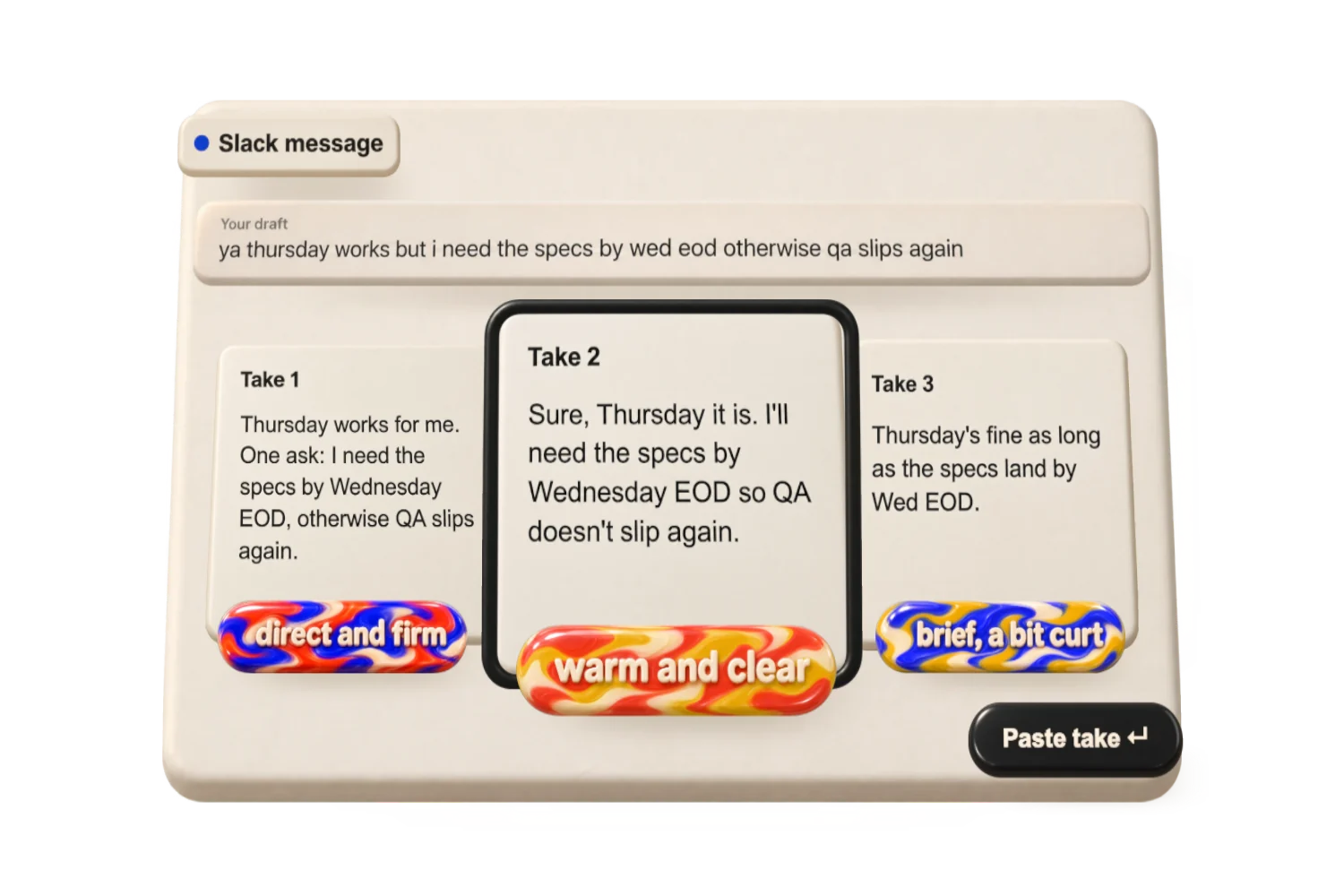
Compare complete alternatives and how each may read. Inspect changes, refine a selected take, then paste it back.
Your thought.
A few takes.
A small Mac app for finding the wording that fits. Write a draft, compare a few versions, and paste the one you choose back where you started.
Draft
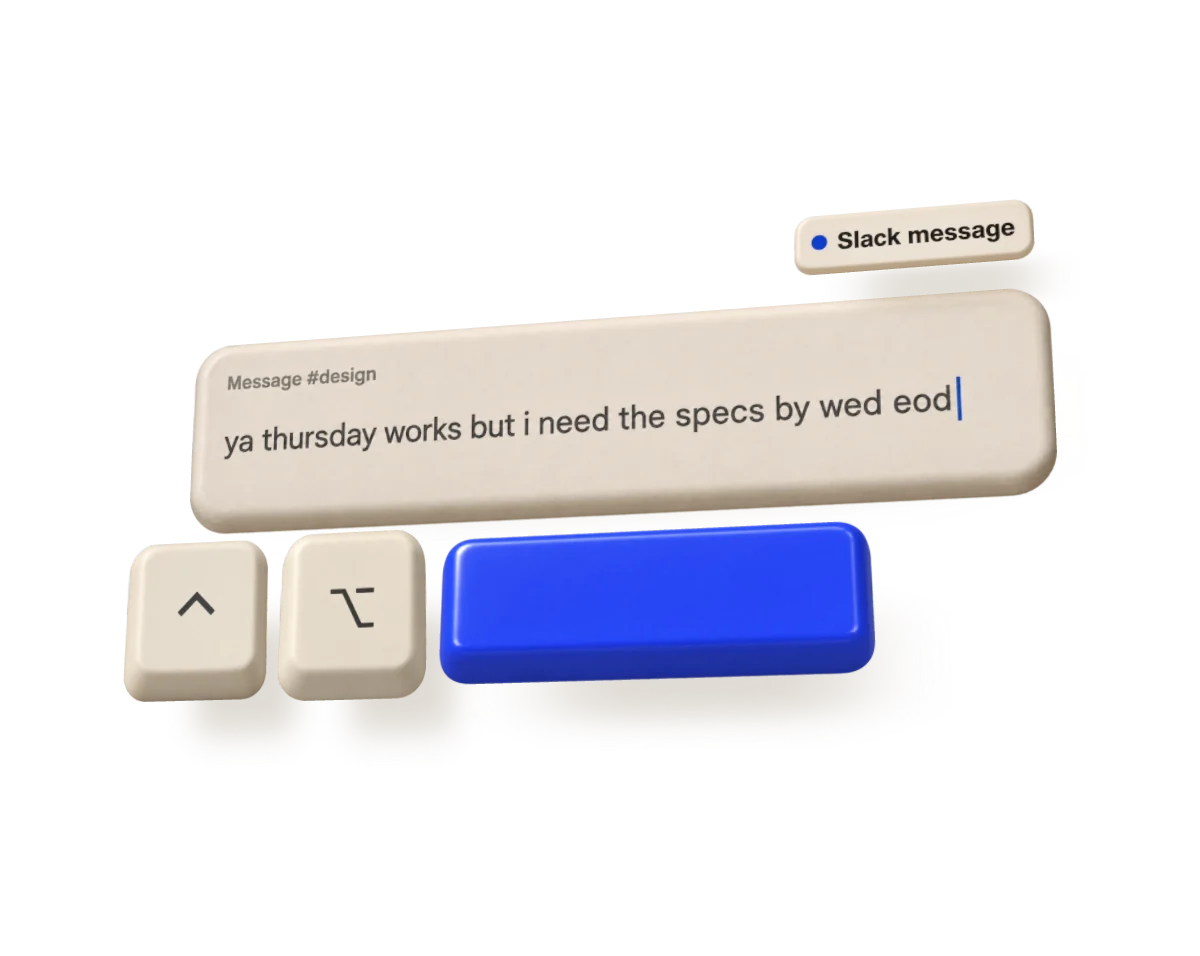
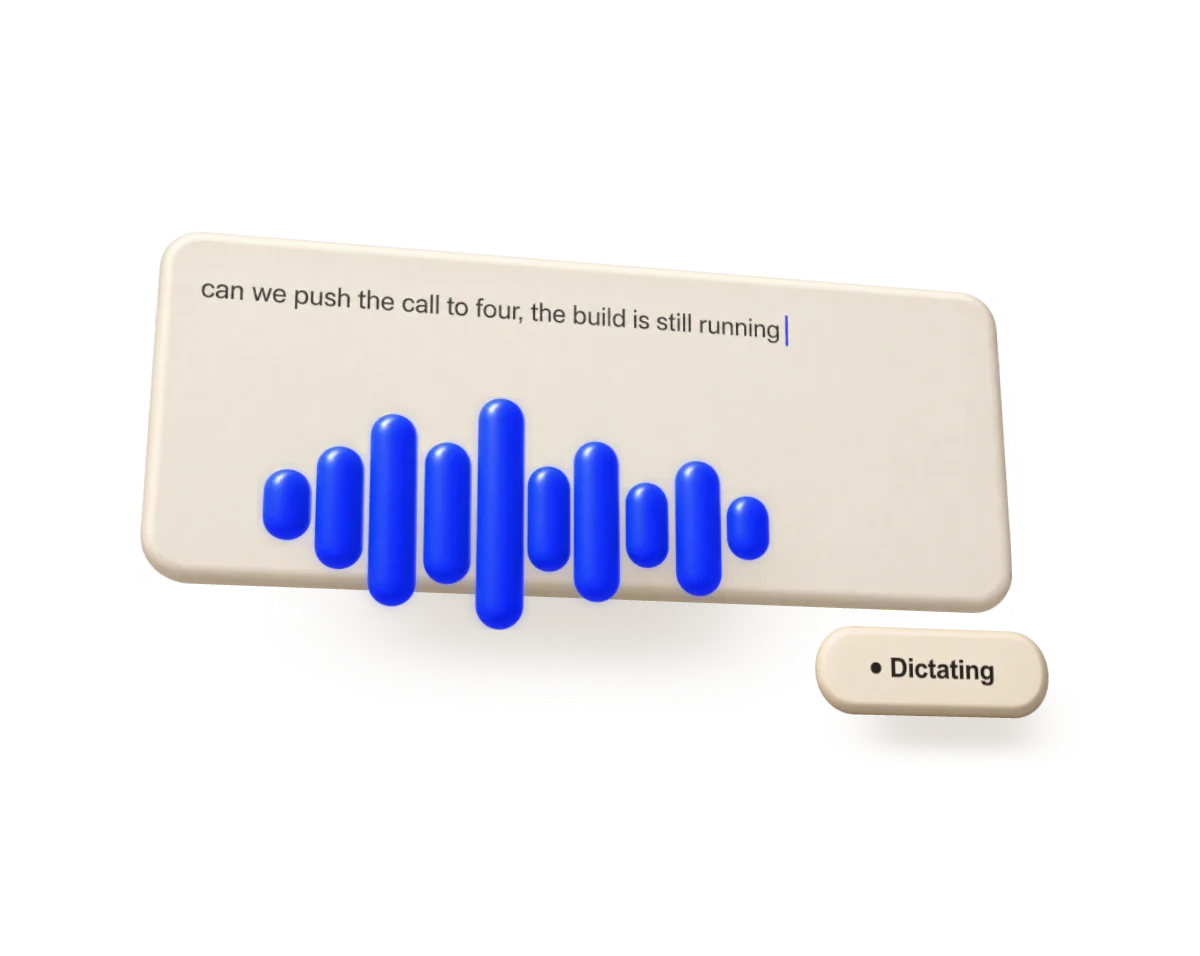
Start with what you mean. Press Control + Option + Space in any text field.
Choose
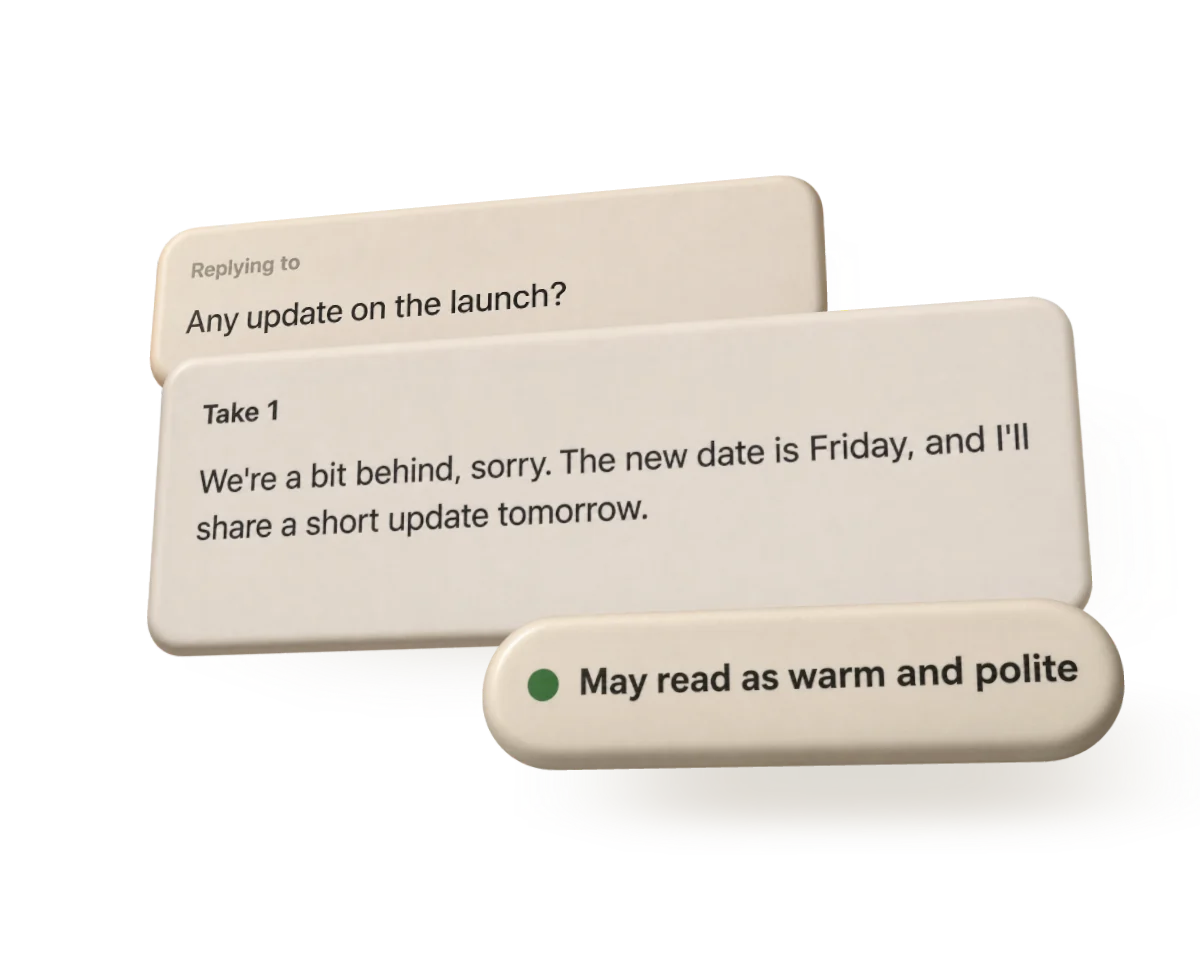
Find the version that fits. Compare the takes, see what changed, refine one.
Paste
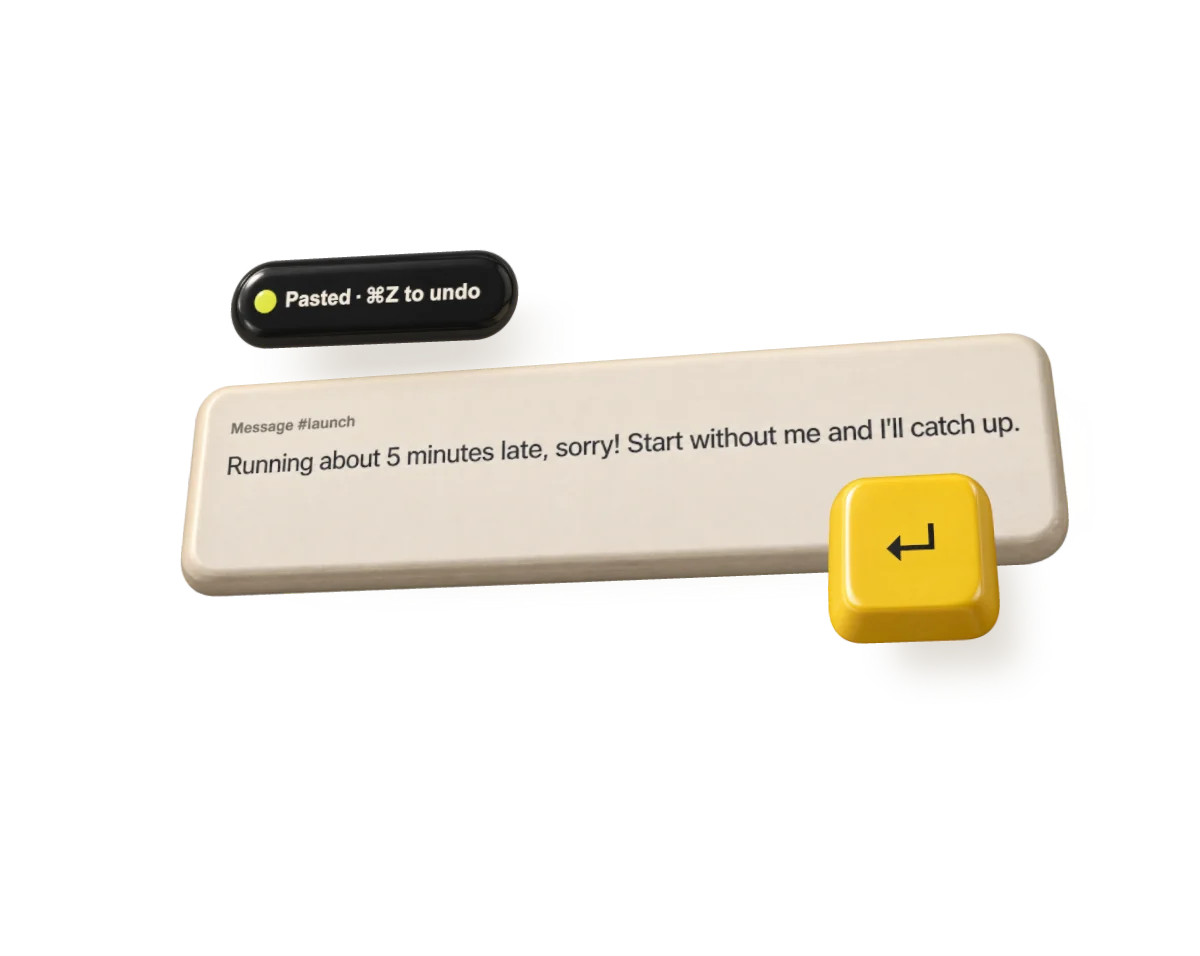
Return it to your text field. You decide when to send.
Rough in. Right out.
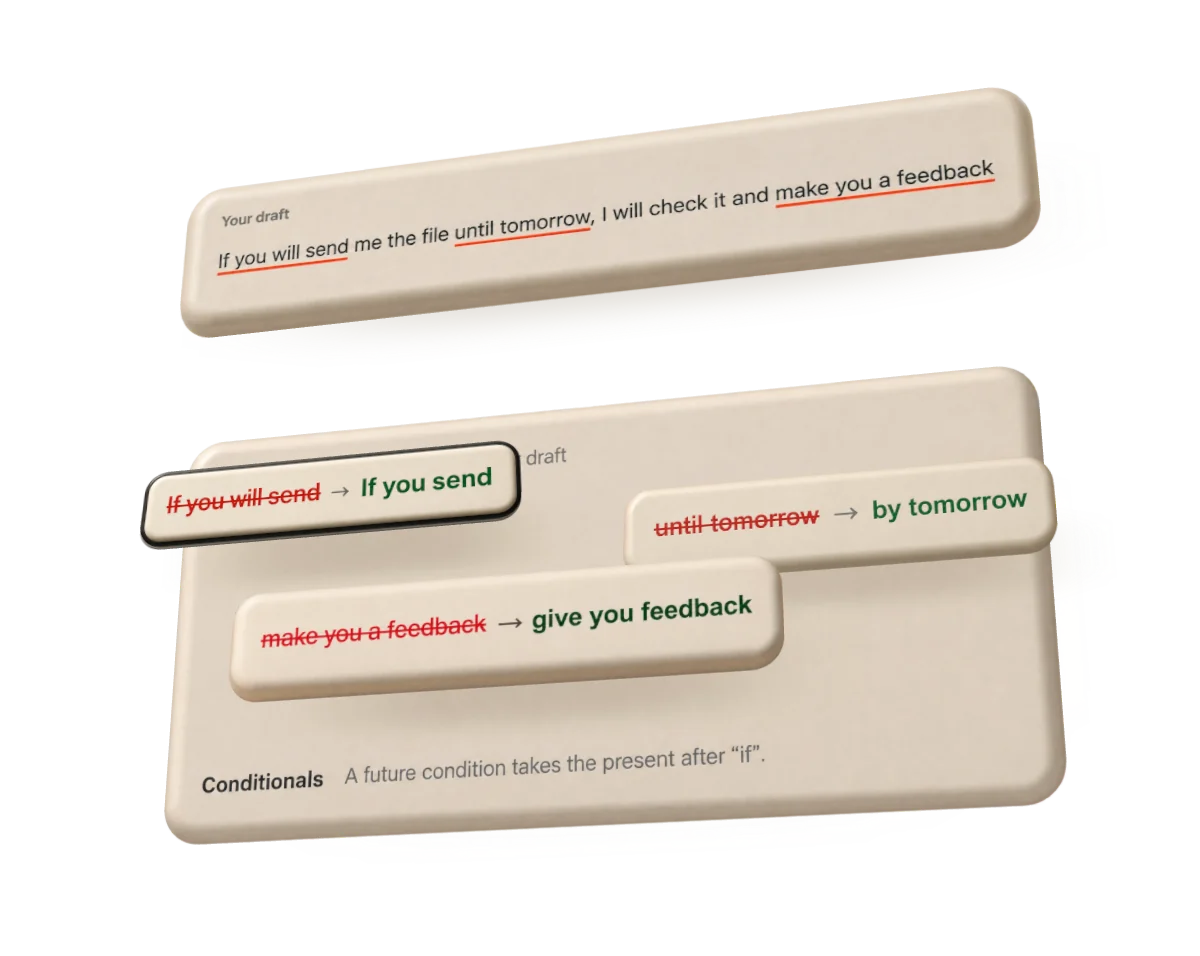
Four everyday drafts, one preset each. Takes keeps what you meant and fixes how it lands.
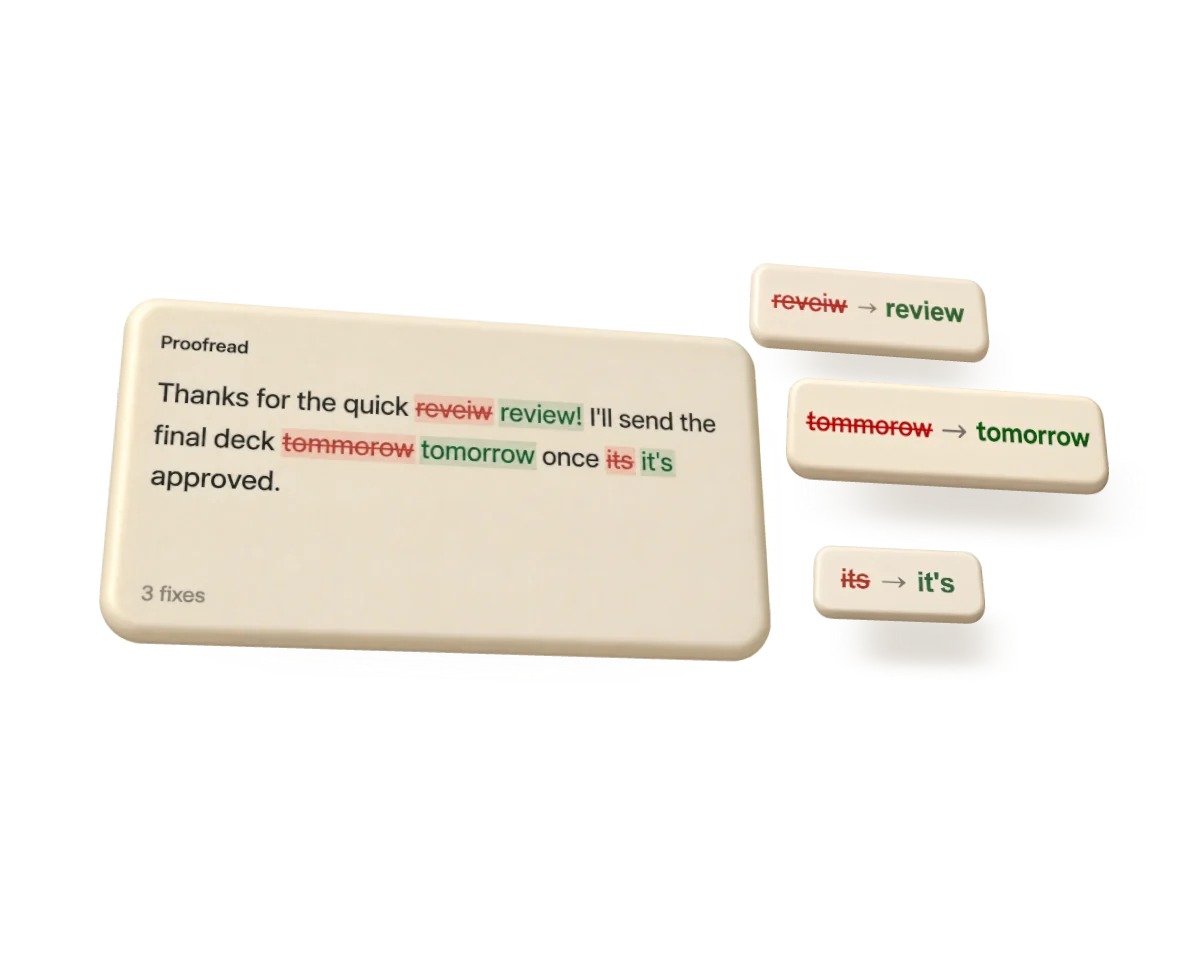
Proofread
thanks for the quick reveiw, ill send the deck tommorowThanks for the quick review. I'll send the deck tomorrow.
Shorter
hey so I was thinking that maybe, if it works for everyone, we could possibly move the sync to thursday, let me know what you all thinkCould we move the sync to Thursday? Let me know.
Polish email
can u resend the invoice its missing the PO numberCould you resend the invoice? The PO number is missing.
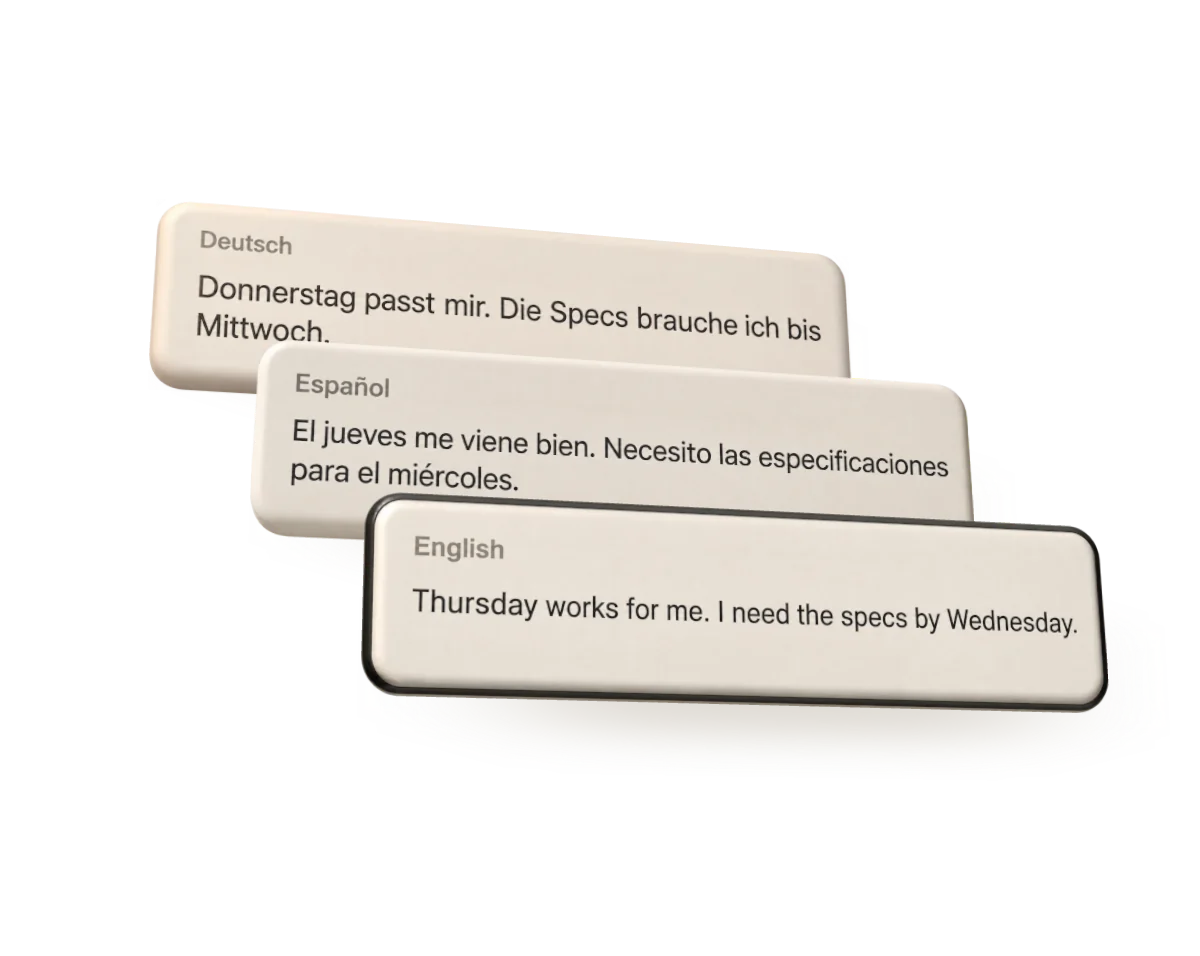
Translate
Running ten minutes late, start without me.Ich komme zehn Minuten später, fangt ohne mich an.
Also in the box.
Your Mac. Your model. Your choice.
Presets, optional history and English coach notes live on your Mac.
Drafts, instructions and voice examples go to Anthropic through your Claude connection, to OpenAI through your ChatGPT plan, to the provider whose key you added, or nowhere, with a model on your Mac.
Takes pastes the version you choose into the original field. You decide when to send.
Takes collects no data. Your drafts go only to the model you chose, and nowhere at all with a model on your Mac. Privacy notice.
Good to know.
How is this different from Apple's Writing Tools?
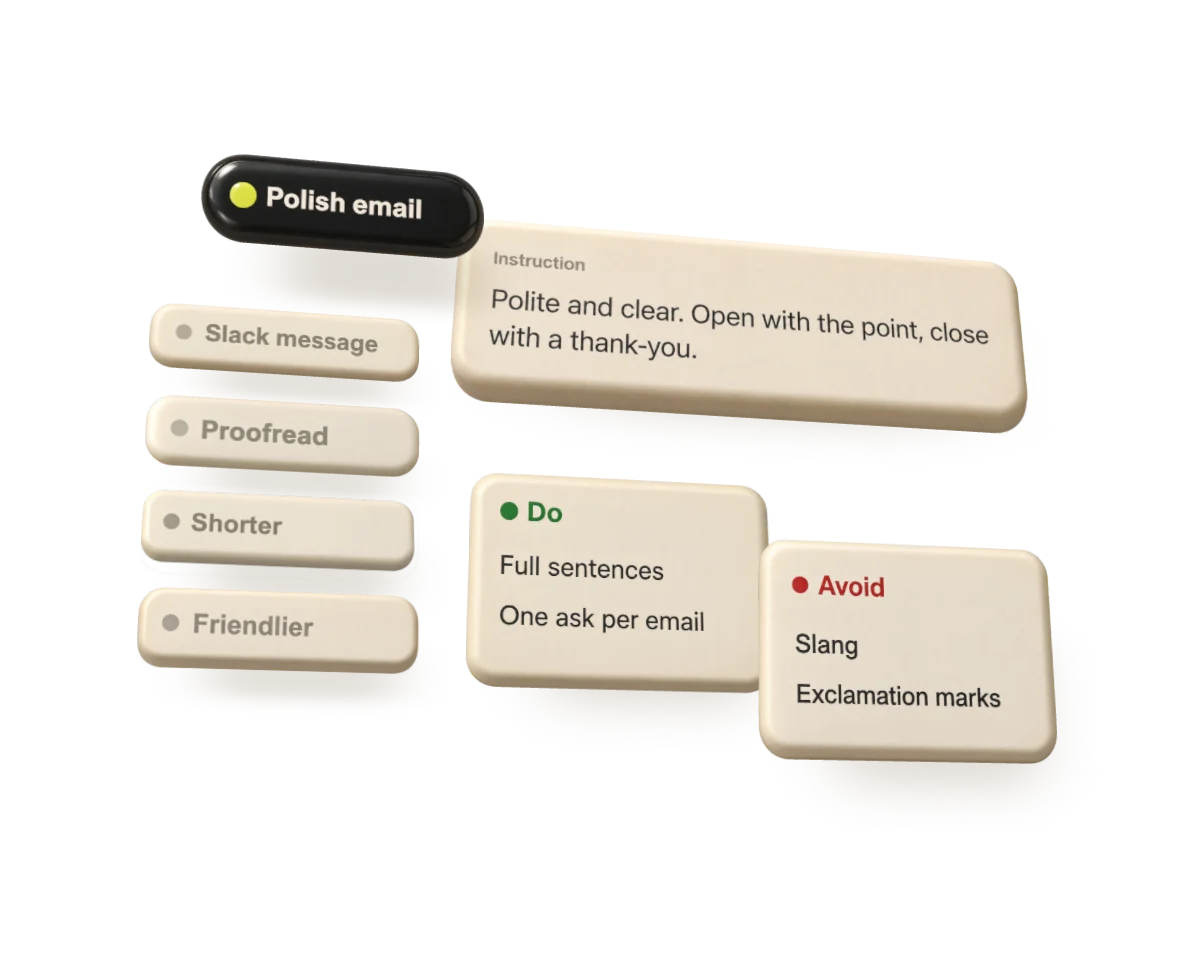
Writing Tools rewrites with Apple's models, one version at a time, on Macs with Apple Intelligence. Takes shows a few takes side by side, from presets you write yourself, with Do and Avoid rules and examples of how you write. It uses the model you pick: Claude, ChatGPT, another provider or a model on your Mac. Each take gets a note on how it may come across, and you can add the message you're replying to. It runs on macOS 14 or later, on Apple silicon and Intel.
Is my text sent anywhere?
Only to the model you chose, straight from your Mac and under your own account: Anthropic with Claude, OpenAI with your ChatGPT plan, the provider whose key you added, or nowhere with a model on your Mac. Takes reads only the text box you're typing in, and only when you press the shortcut. The developer runs no server and receives nothing. Privacy notice.
Do I need to pay?
Not for Takes. It's free and open source under the MIT license, with no ads or paid tier. The model is yours: runs count toward your Claude or ChatGPT plan, an API key is billed by its provider, usually a cent or two a run, and a model on your Mac costs nothing.
Why isn't it in the Mac App Store?
Takes reads and pastes into other apps' text fields with Accessibility access, and it can run Claude Code on your Mac. App Store apps are sandboxed, which rules out both. Instead, Takes is signed with a Developer ID and notarized by Apple, and it updates itself with Sparkle after asking you first. You can also install it with Homebrew.
Which apps does it work in?
In apps whose text fields macOS can read, including Slack, Mail, Messages, Notes, browsers and Claude's desktop app. Where an app hides its field, Takes copies the text instead and puts your clipboard back. If an app doesn't work, please open an issue with its name.
What do I need?
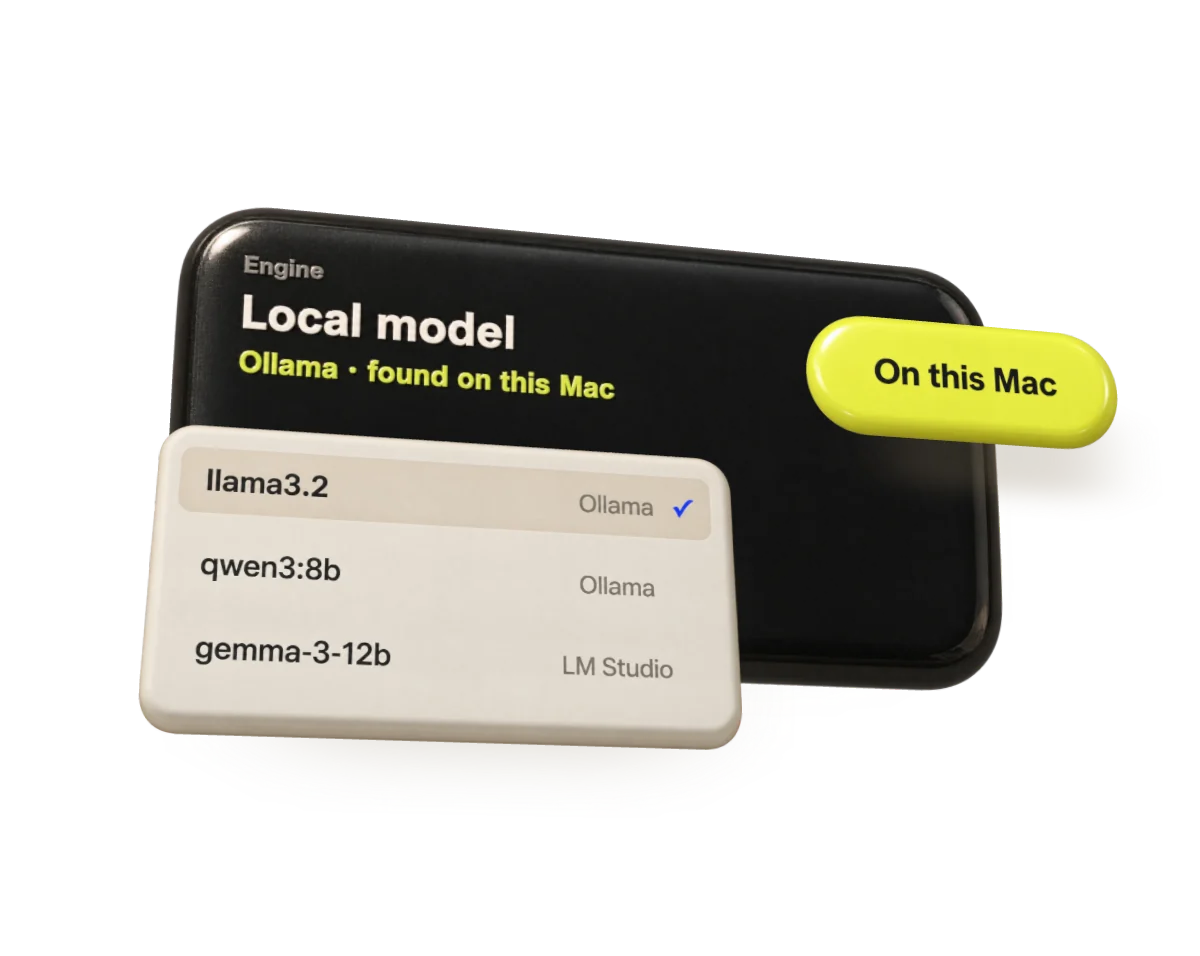
macOS 14 or later, Accessibility access so Takes can read the field and paste, and a model to write with: Claude Code signed in to your account or an Anthropic API key, your ChatGPT plan, an API key from another provider, or a model on your Mac with Ollama or LM Studio.
Which models can it use?
Claude, through Claude Code on your Mac or your Anthropic API key. Your ChatGPT Plus or Pro plan, through Sign in with ChatGPT. Your own API key for OpenAI, Google Gemini, OpenRouter, Groq, Mistral or another compatible https server. Or a model running on your Mac with Ollama or LM Studio, so nothing leaves it.
Is it made by Anthropic, OpenAI or Apple?
No. Takes is an independent app. It runs Claude Code or calls the provider you chose with your own account.
